From Check-in to Boarding — Smooth, Fast, Self-Service
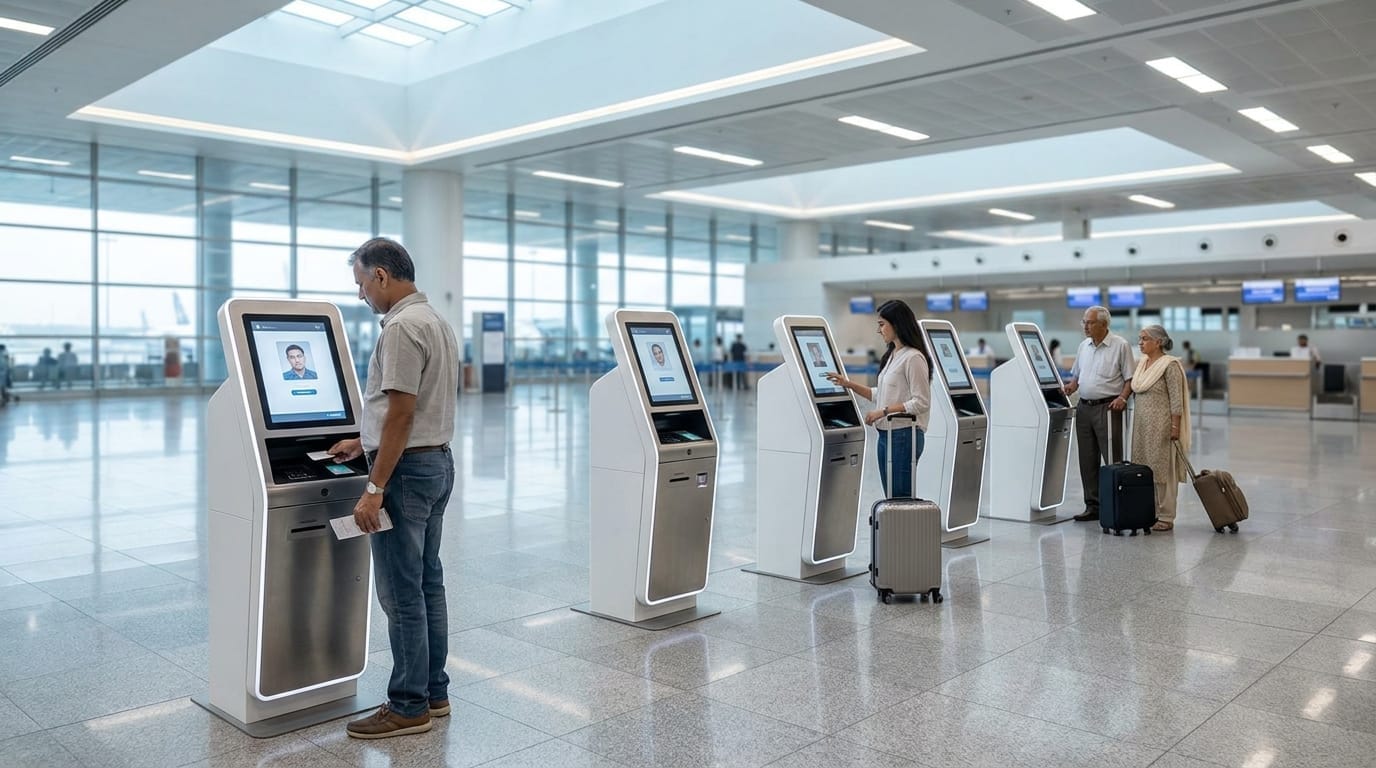
Mantra AeroTech passenger processing kiosks allow passengers to handle check-in, boarding, and information needs on their own — reducing queues and making airport journeys simpler for everyone.
Self-Service Processing for Every Passenger
Long check-in queues and difficulty finding information are two of the most common frustrations passengers face at airports. Mantra's passenger processing kiosks address both by giving passengers a simple, self-service way to complete check-in and get the information they need — without waiting for a staff member.
These kiosks are built for airport environments — reliable, easy to use, and connected to the systems that power daily airport operations.
Check-in Kiosk
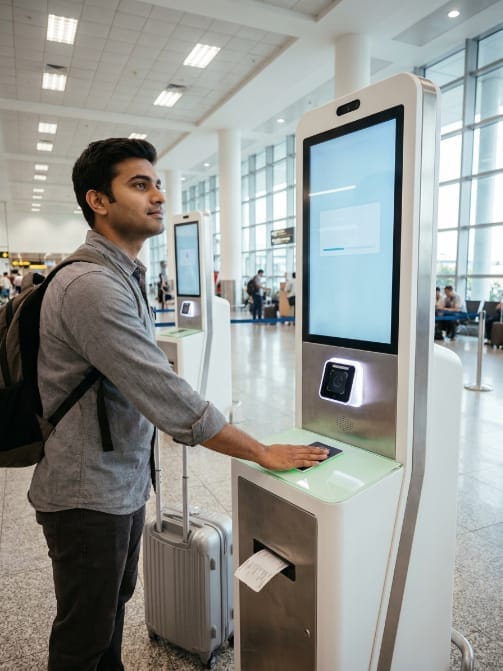
The Check-in Kiosk lets passengers complete their check-in without going to an airline counter. Passengers scan their passport or booking reference, choose their seat, add extras, and print their boarding pass — all in around 90 seconds.
For DigiYatra airports, the kiosk captures the passenger's face scan at check-in, used at security and the boarding gate for a fully document-free journey. Includes self-service bag drop, UPI/card/cash payment, and accessibility features.
Check-in & Documents
Seat Selection & Add-ons
Boarding Gate
Accessibility
Payment
Why It Matters
No counter queue
Passengers check in independently without waiting for an airline agent.
Fast processing
Check-in completed in around 90 seconds.
DigiYatra ready
Face enrolment at check-in enables a fully document-free airport experience.
Works for all airlines
One kiosk can serve multiple airlines in shared terminal environments.
Passenger Information Kiosk
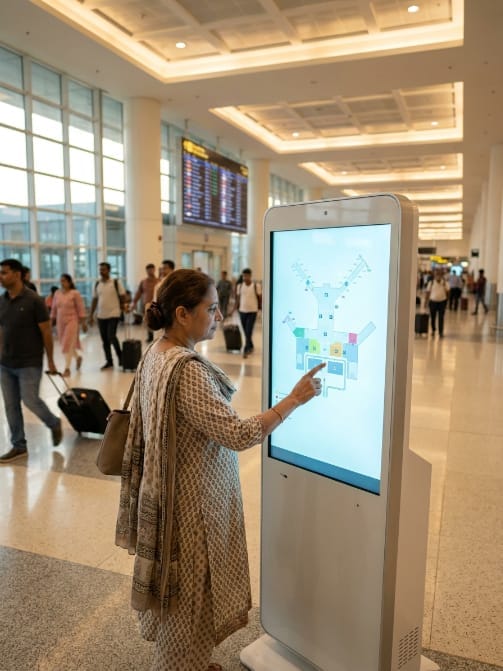
Central information point for flights, directions, transport, and services.
Designed for: Terminal buildings, arrival halls, departure lounges, landside public areas, and inter-terminal connectors.
Every Answer a Passenger Needs, in One Place
Even frequent travellers need help finding gates, locating services, and understanding ground transport options. The Passenger Information Kiosk answers every question in a single touchscreen - live flight status, turn-by-turn gate directions, ground transport schedules, and a full airport services directory. Available 24 hours, in 14 languages, with no staffing required at the unit.
Getting to Your Gate
Airport Services Directory
Transport & Getting Around
Accessibility & Multi-Language Support
Why It Matters
Fewer missed gates
Live gate updates and accurate walking times mean passengers reach the right gate on time - fewer late boardings and delays.
No staff needed
Passengers navigate independently - the most common staff enquiry answered automatically, around the clock.
Accessible for everyone
Step-free routing and mobility assistance points serve passengers with reduced mobility without staff involvement.
Mobile transfer
QR code sends full turn-by-turn directions to the passenger's phone - no need to memorise or re-read the screen.
Always up to date
All flight and gate data is live from the airport FIDS - no outdated displays and no manual updates required.
Reduces staff questions
Flight status and gate information is the single most common passenger enquiry - answered instantly at the kiosk.
14 languages
Full interface in 14 languages with automatic detection from the boarding pass origin - serves every international passenger.
Video assistance
Direct video call to a live airport agent for complex queries passengers cannot resolve at the screen.
Always available
Operates 24 hours a day with no staffing required - information is accessible at any time of day or night.
Every passenger served
Audio guidance, large text, hearing loop, and simplified mode ensure no passenger is left without help.
Fewer staff interruptions
Passengers find directions, services, and transport independently - freeing staff for genuine exceptions.
Operational insight
Query analytics identify wayfinding gaps, popular services, and signage improvements needed across the terminal.
System Integration
Integrates with the airport's Flight Information Display System (FIDS) for live flight data, airline Departure Control Systems for real-time gate updates, ground transport APIs for live schedules, and the airport's facility management system for current service hours. Passenger interaction data feeds into the airport's analytics platform - surfacing wayfinding pain points and the most common information queries.
Operational Benefits
Deploy the Passenger Information Kiosk
Contact our team for a detailed demonstration and technical specifications.